Samsung Firmware

9 live Galaxy FOTA tracks Updated every 4 hours ·

Frequently updated public Samsung FOTA builds and internal One UI 9.5 test strings for Galaxy S26 Ultra, S26, S26+, Z Fold 8, Z Fold 7, S25 Ultra and A17 5G. Filter by handset or CSC below, or review the Odin 3.14.4 safe 5-slot flashing checklist first.

Odin 3.14.4 & firmware tools

All downloads
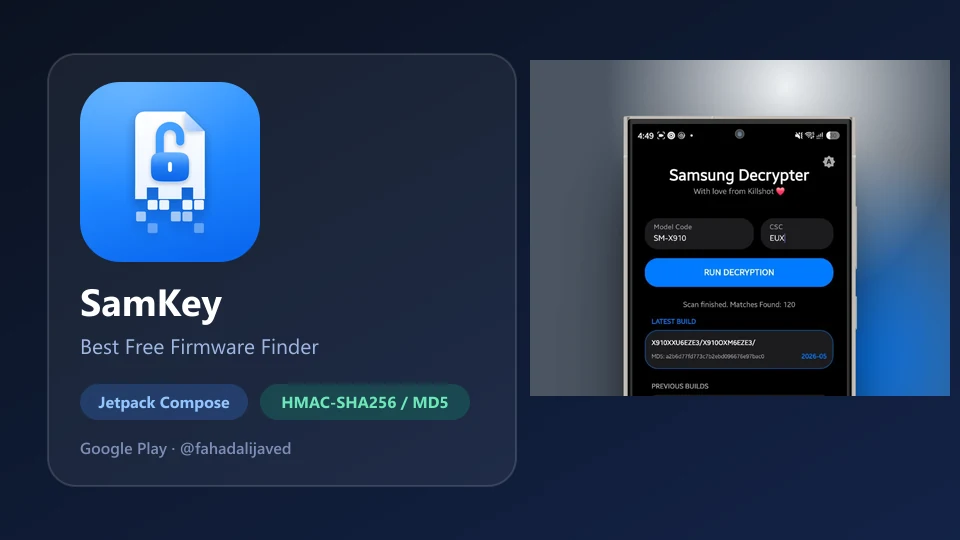
SamKey official Play Store app icon and Samsung Decrypter Android interface showing Model Code SM-X910 and EUX CSC lookup
Android app · Google PlayBest free Samsung firmware finder

SamKey: Triplets Decrypter

By Fahad Ali Javed · @fahadalijaved

Currently the best free Samsung firmware finder on Android. A modern, native Jetpack Compose app with a clean One UI-inspired design for fetching and decrypting official Samsung firmware triplets, featuring dual-hash HMAC-SHA256 and MD5 cryptography, streamlined Model Code and CSC lookup, real-time decryption status, saved build history and native dark/light mode.

Requirements & credits

Android phone with internet access. Enter your exact Samsung model code and CSC region (for example SM-S948B and EUX) to fetch and decrypt official firmware triplets.

Created by Fahad Ali Javed (@fahadalijaved). Published on Google Play with open source code and privacy documentation on GitHub (SamsungDecrypter).

Free Android app · Google Play terms apply

Source & documentation
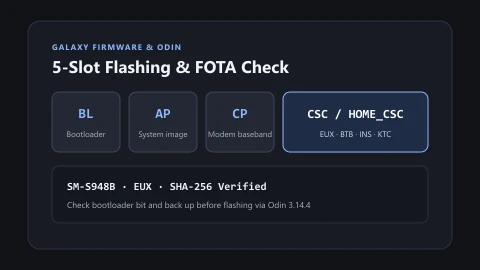
Odin 5-slot BL, AP, CP, CSC and HOME_CSC flashing diagram preview
Markdown guide (.md) · 4.3 KB MD

Odin 3.14.4 Safe 5-Slot Flashing Checklist

By Chris Franklin · @FrankOneDigital

Printable Markdown checklist covering SHA-256 verification commands, BL/AP/CP/CSC vs HOME_CSC slot mapping and bootloader rollback rules.

Requirements & credits

Any Markdown reader or text editor. Always check your bootloader bit and back up first.

Firmware safety checklist written by Chris Franklin for Galaxy Build Watch.

CC BY 4.0 · Chris Franklin / FrankOneDigital

Source & documentation
Official CheckFirm app icon from Google Play and Samsung FOTA lookup preview
Android app · Google Play

CheckFirm

By Blueberry / CheckFirm contributors

Check official and test Samsung FOTA build strings on your phone by model code and CSC region (such as SM-S948B / EUX).

Requirements & credits

Android phone with internet access. Internal ZZK test builds can’t be flashed like normal updates.

Created by the CheckFirm developers. Links straight to the Google Play listing.

Free Android utility · Google Play terms apply

Source & documentation
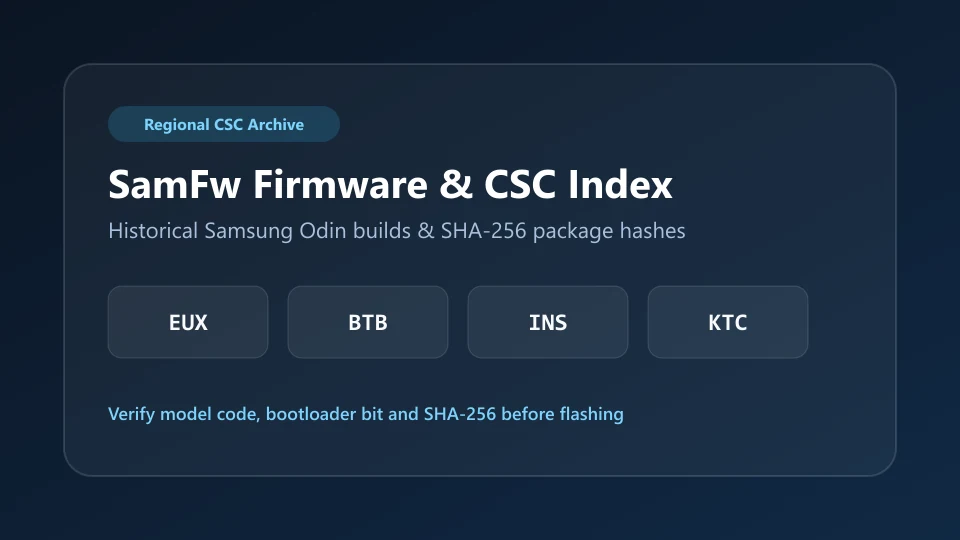
SamFw regional CSC archive preview card covering EUX, BTB, INS and KTC packages
Web archive & Windows utility

SamFw Odin Firmware & CSC Archive

By SamFw contributors

Regional CSC lookup index (EUX, BTB, INS, KTC) and historical official Samsung Odin package directory with SHA-256 hashes.

Requirements & credits

Check your exact Samsung model code, bootloader bit and SHA-256 hash before extracting Odin files.

Maintained by the SamFw community. Links straight to the SamFw firmware index.

External firmware index · verify SHA-256 before flashing

Source & documentation

Verify SHA-256 hashes and use HOME_CSC only when keeping user data across compatible multi-CSC (OXM) regions.

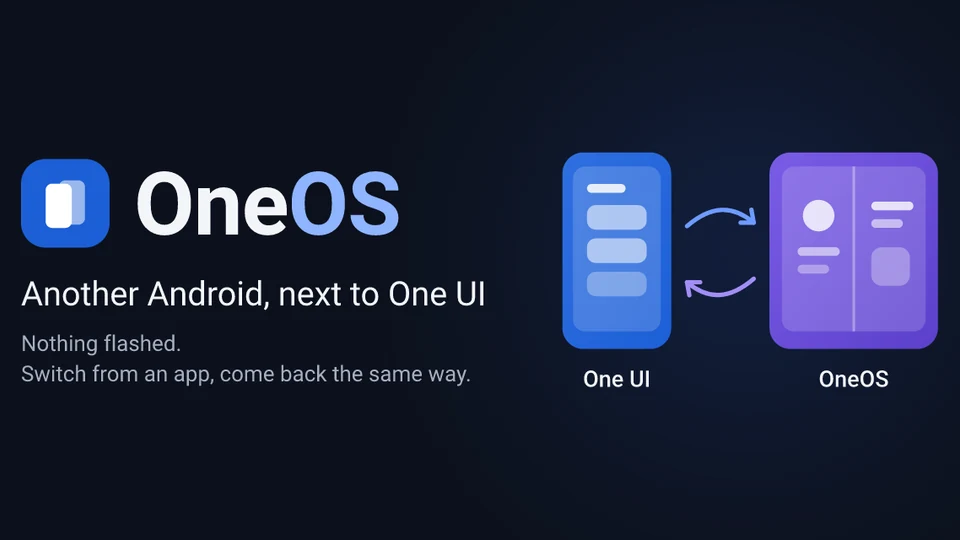
OneOS official banner showing a One UI phone and OneOS foldable switching another Android system without flashing
Root required · experimental

OneOS

By Fahad Ali Javed · @fahadalijaved

Runs a second Android system (including Pixel 11 Fold and ColorOS 17) alongside One UI on supported rooted Galaxy phones and Galaxy Tabs. Switch in about a minute without flashing or erasing, then come back from inside. Verified at v0.5.50 (79 Galaxy devices, 10 systems, SourceForge Community Choice award, 303K+ downloads).

Requirements & credits

Root access (KernelSU / Magisk) and a supported Galaxy test device. Check the v0.5.50 compatibility list and Telegram channel (t.me/TheoneOS) before installing.

By Fahad Ali Javed (@fahadalijaved); derived from OneLineage by WeWaffles, with MysticGSI / TrebleDroid guest-image contributions. See the project’s CREDITS and NOTICE files.

Apache-2.0 source · guest images have separate terms

Source & documentation

Experimental: the creator documents previous app-data and photo loss, and recommends a full backup plus a test phone you can wipe. Downloads use an external host.

Decode a Samsung build code with Gemini

Powered by Gemini on Google Firebase. Grounded in FrankOneDigital pages; check linked sources and live UK prices before buying.

Back up before flashing official Odin files

Internal ZZK strings only point to Samsung test-server builds and can’t be installed over the air. When you flash an official 5-file Odin package from Bifrost or SamFw, back up your photos and Smart Switch archive to a PC or a rugged USB-C drive like the Samsung T7 Shield USB-C SSD (Ad) first.

Ad · Affiliate links. Links marked (Ad) go to Amazon UK. As an Amazon Associate I earn from qualifying purchases at no extra cost to you.