Galaxy S27 Ultra 3D-printed CAD test: what changes in the hand
3D-printing the early Galaxy S27 Ultra CAD model shows how subtle corner and rail changes affect one-handed balance before lighting a single studio render.

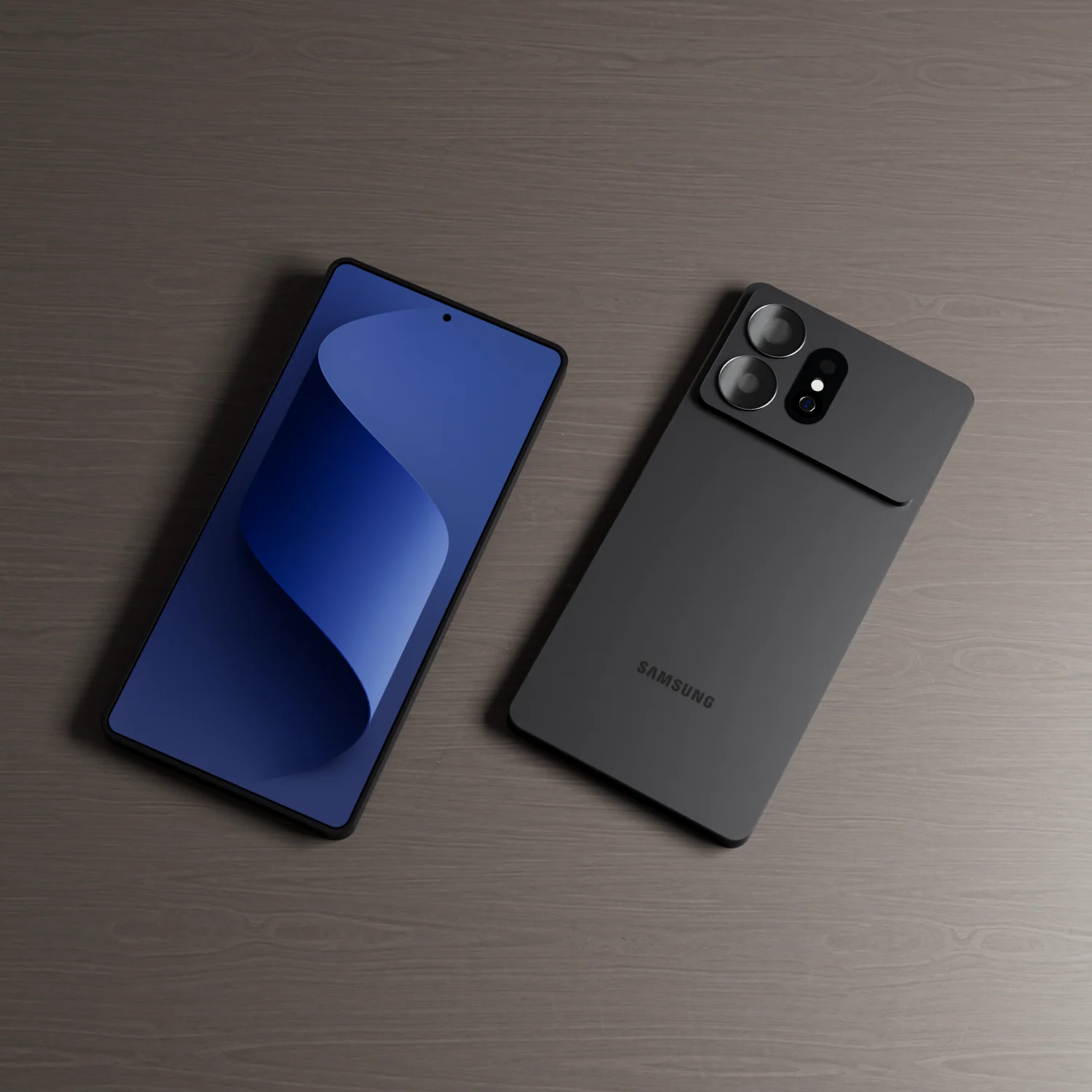
Spec sheets rarely tell you how a 6.9-inch phone actually sits against your palm. Before building the studio lighting setup for my Galaxy S27 Ultra 3D renders, I 3D-printed a physical dummy from the leaked CAD geometry to check the proportions in the hand.
Two details stand out right away compared with older Ultra frames: the softer corner curve spreads weight more evenly across the index finger, and the edge where the flat titanium side rails meet the rear glass feels less sharp during long reading or camera sessions.
Holding the physical print first also changes how the 3D renders are framed. Once you feel the volume keys and camera island spacing in person, it’s much easier to light the titanium chamfers and lens rings accurately in Blender.